Skip to content New Remote signing: customers sign their rental agreement with a one-time code before they even reach the desk.
Rentilo

Online payments, SdI invoices. And the till always balances.

Deposits by card, PayPal or bank transfer, balance and security deposit under control, e-invoices sent to SdI and a daily cash book. All tied to the booking they came from.

rentilo.it
E-invoices in Rentilo
Deposit paid from a smartphone
Invoice delivered by SdI Status updated automatically
rentilo.it
The deposit arrives before the customer does.
01 Online payments

The deposit arrives before the customer does.

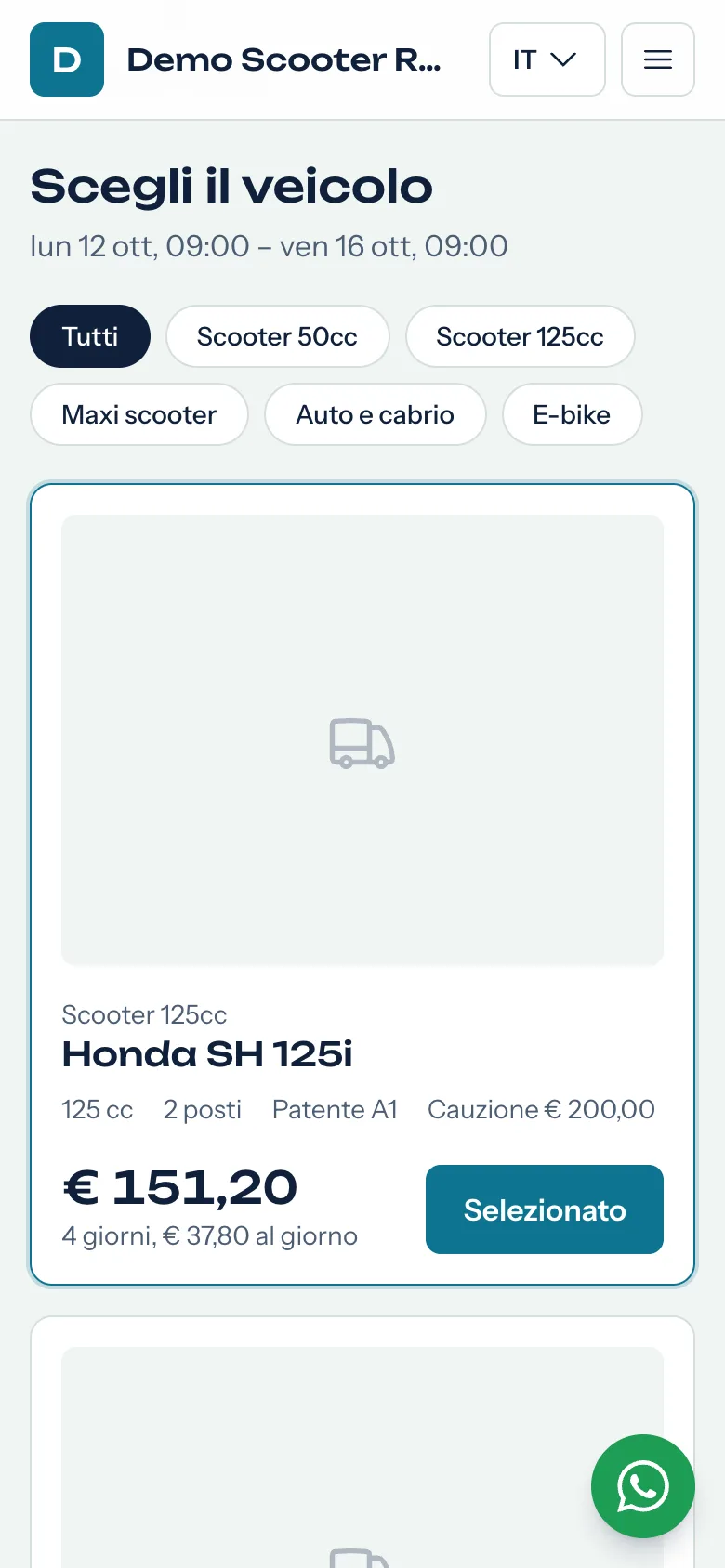
Customers pay the deposit as they book: by card via Stripe, with PayPal or by bank transfer. Or they pay everything on site. You choose which methods to offer and how much to take upfront.

  • Stripe, PayPal, bank transfer and pay on site
  • Deposit as a percentage, a fixed amount, the first day or the full price
  • Your own account credentials, encrypted and kept separate for each business
  • Online payments are recorded on the booking automatically
rentilo.it
Deposit, balance and security deposit. Always clear.
02 Balance and security deposit

Deposit, balance and security deposit. Always clear.

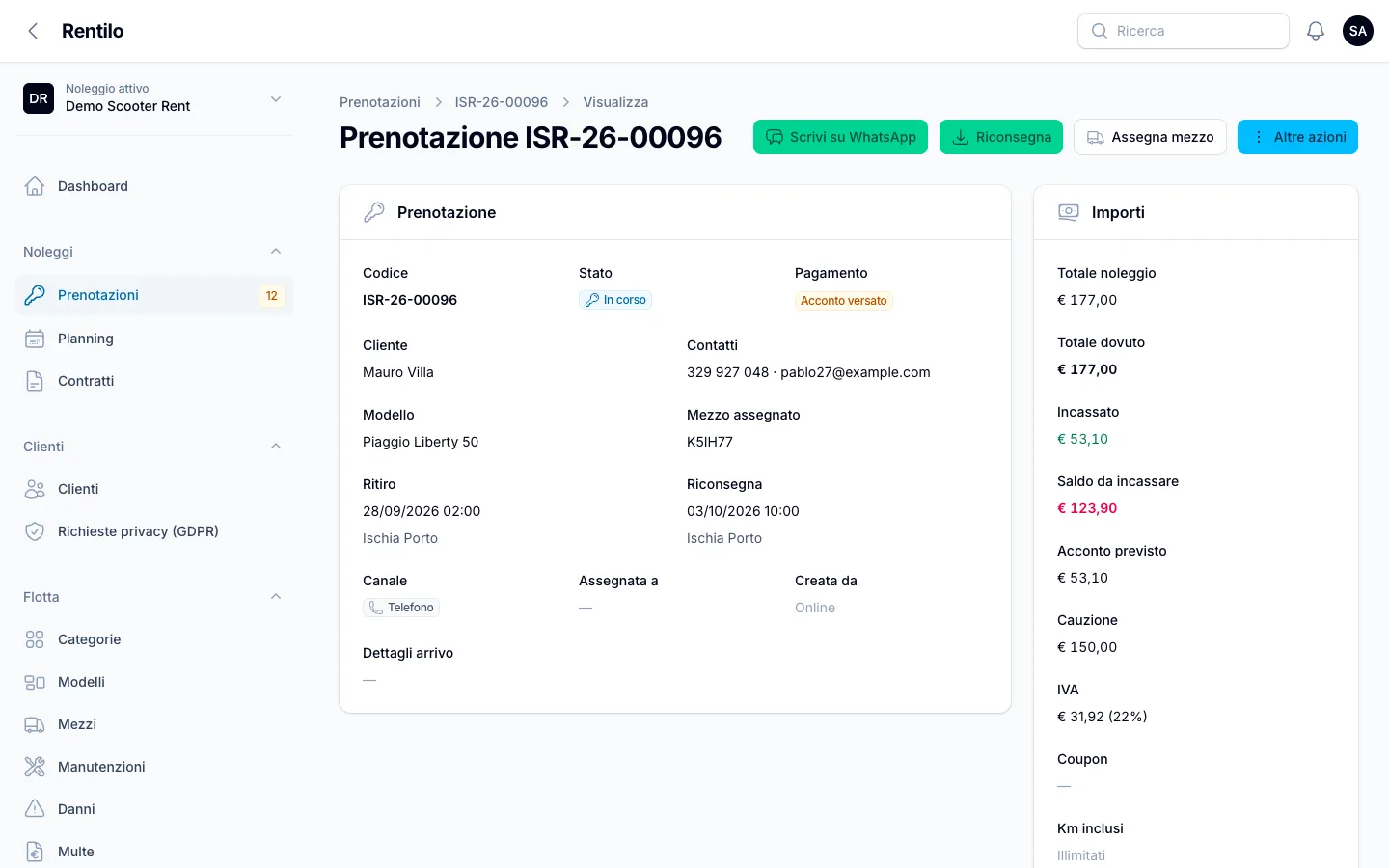
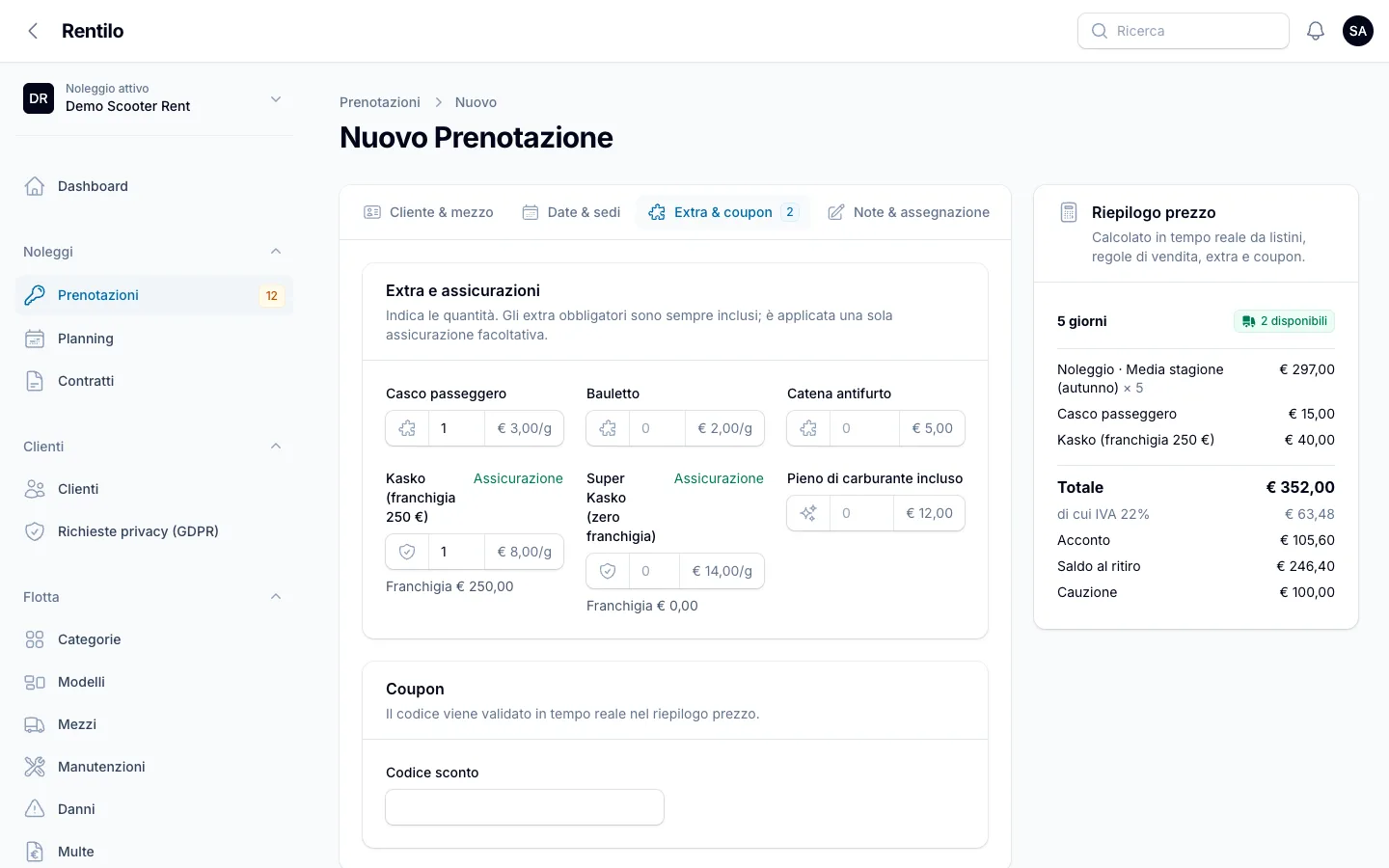
The quote works out the deposit and security deposit along with the price. On every booking you see what’s been paid, what’s outstanding and how much security deposit you’ve held or returned. From the app too, at handover.

  • Security deposit per model and per extra
  • Balance, extra charges, security deposit, returns and refunds
  • Cash, card terminal, card, PayPal or bank transfer
  • Return charges calculated and collected on the spot
rentilo.it
From booking to SdI e-invoice in a few clicks.
03 E-invoicing

From booking to SdI e-invoice in a few clicks.

From the booking you create an invoice or receipt with line items and VAT already filled in. You send it to SdI, Italy’s e-invoicing exchange, through your provider, and Rentilo checks the outcome for you.

  • Invoices, receipts and credit notes with numbering by series
  • FatturaPA XML and PDF ready to download
  • Sent to SdI via Openapi or Aruba, even several invoices at once
  • Status updated every 30 minutes, with an alert if an invoice is rejected
rentilo.it
Today’s takings, no ledger needed.
04 Cash book

Today’s takings, no ledger needed.

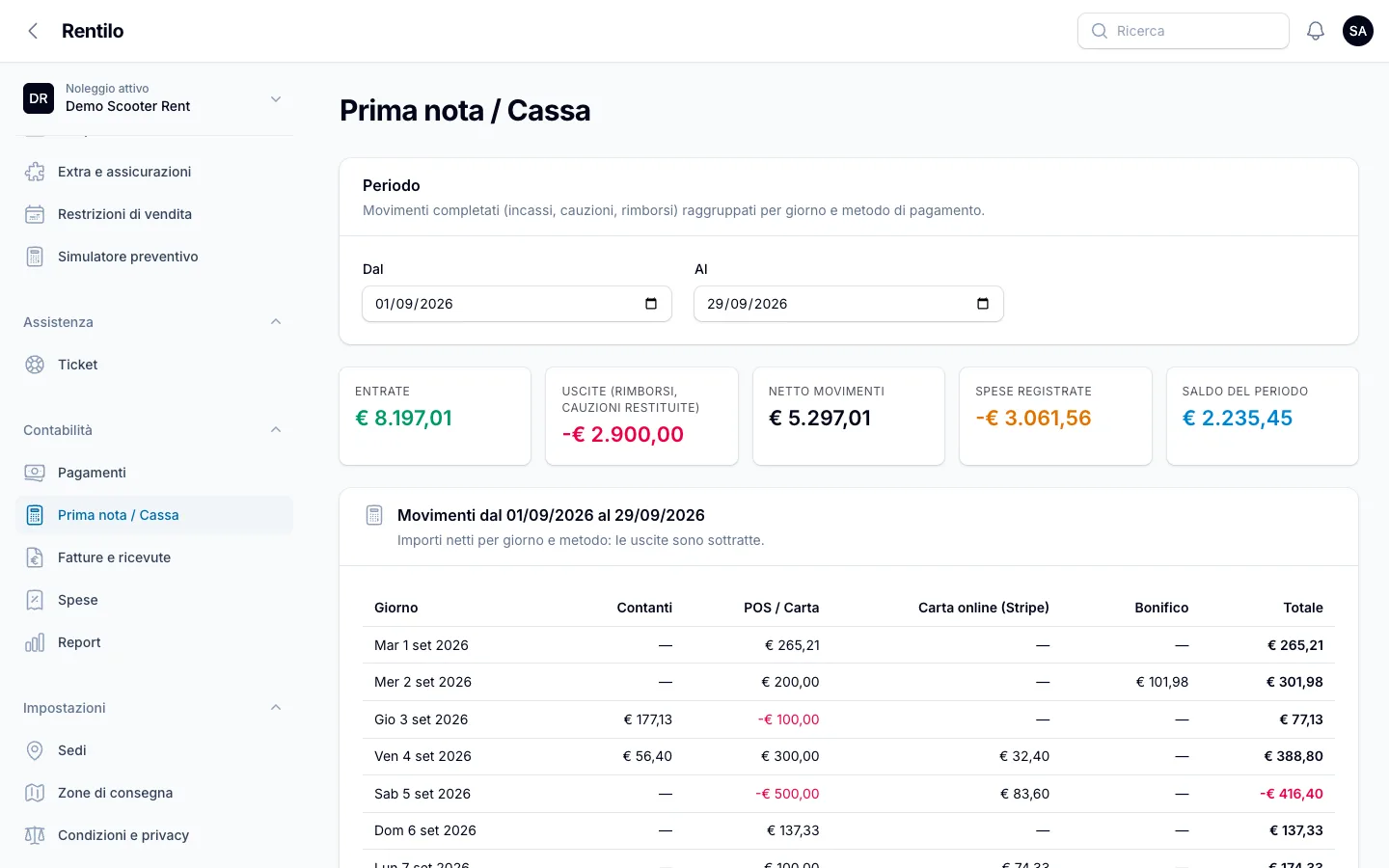
The cash book collects every payment by day and by payment method, together with expenses. Close the day knowing exactly how much came in as cash, by card terminal and online.

  • Income by day and by payment method
  • Expenses for fuel, maintenance, insurance, rent and more
  • Period balance of income and outgoings
  • Your accountant finds everything already in order
And more

Your season’s numbers, whenever you need them.

No need to wait for your accountant to find out how August went. Revenue, expenses and margin are right there.

Season reports

Revenue, bookings, average rental length, fleet utilisation, expenses and margin for any period you choose.

What earns the most

Revenue by month, by sales channel, by model and by vehicle category.

Accountant role

Whoever keeps the books handles payments, invoices, expenses and fines and can view bookings, without touching rates or the fleet.

Archived invoices

PDF and XML files of issued invoices are stored with their sha256 fingerprint, so you can verify they haven’t changed.

Staff alerts

If SdI rejects an invoice or can’t deliver it, your staff get an alert with the reason.

Customer confirmation

When a payment goes through, the customer gets an email confirmation.

Fines to recharge

A fine linked to a booking can be charged to the customer or marked as paid by you, and it stays on record.

GDPR and legal obligations

If a customer asks to be erased, their data is anonymised. Invoices, contracts, payments and fines are kept, as the law requires.

Test mode

Every payment method can be tried out in test mode before you open online bookings.

FAQ

The questions we hear most often.

Ask us anything
Does the money go through Rentilo?

No. You connect your own Stripe and PayPal accounts: payments go straight to you. Rentilo records the payment on the booking.

Do I need a provider for e-invoicing?

Yes. Rentilo sends invoices to SdI through a provider such as Openapi or Aruba, using your own account credentials. We help you connect it.

Does the invoice go out by itself?

You create it from the booking in one click, with line items and VAT already filled in. Then you send it to SdI whenever you like, even in a batch. From then on, its status updates by itself.

Can I issue receipts instead of invoices?

Yes. For each booking you choose whether to issue a receipt or an invoice, and you can correct it with a credit note.

Can my accountant log in?

Yes. Give them a user with the accountant role: they see payments, invoices and expenses, download PDFs and XML, and check the cash book and reports.

How do I handle the security deposit?

The quote calculates the security deposit based on the model and extras chosen. You record it when you take it and record the refund at check-in, from the staff app too.

See Rentilo running your rental business.

In 20 minutes we’ll show you the software set up with your vehicles, your seasons and your locations. No strings attached.

Try the demo Book a demo